In today's digital age, we often find ourselves needing to convert documents from one format to another. Whether it's turning a Markdown note into a PDF for a client, or extracting text from a PDF report, the convenience of online tools is undeniable. However, this convenience often comes at a hidden cost: your data privacy.
The Problem with Cloud-Based Converters
When you use a typical "free" online converter, you are required to upload your file to a remote server. At that moment, you lose control over your data. Even if the service claims to delete your files after conversion, can you really be sure?
For sensitive documents—contracts, medical records, financial statements, or proprietary research—the risk of a data leak or unauthorized access is simply too high.
Enter 0mod: Local-First Document Conversion
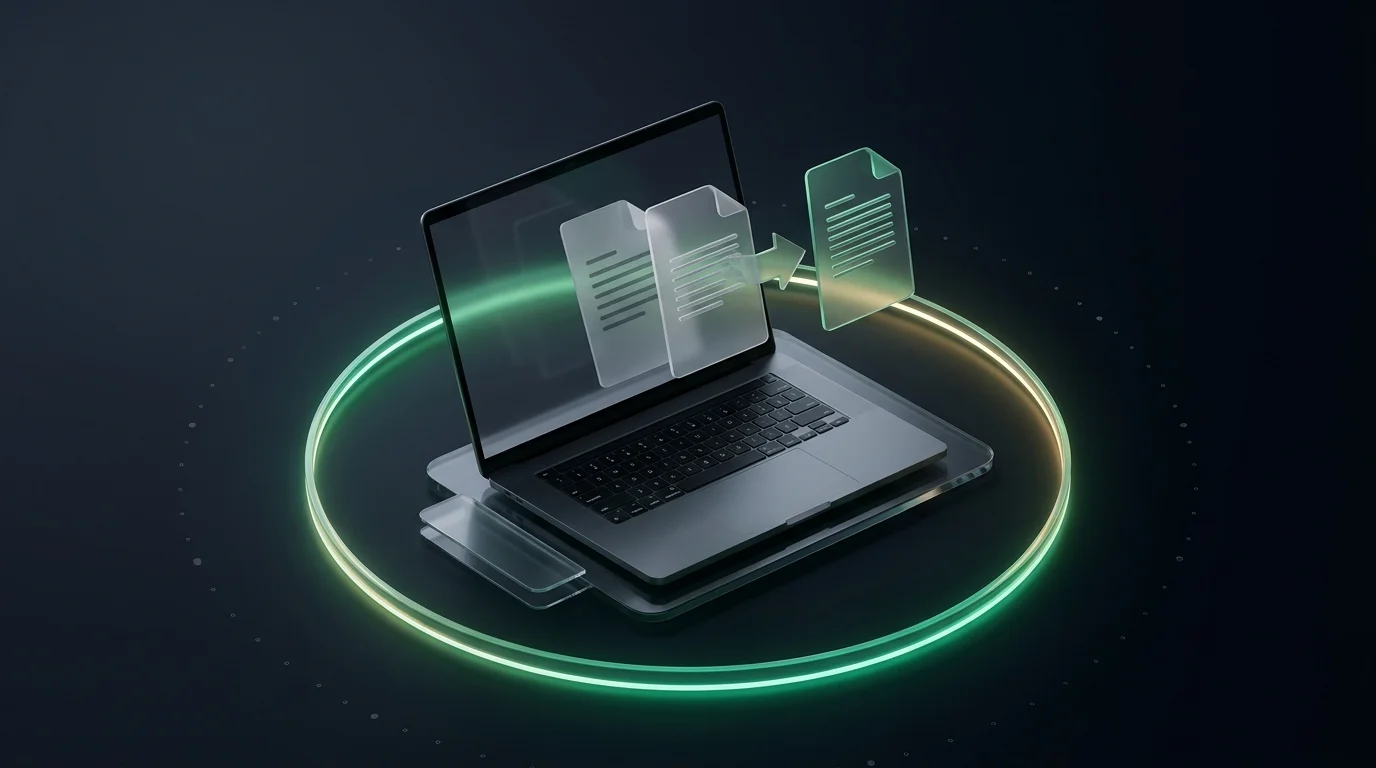
At 0mod, we believe that simple tasks shouldn't require you to sacrifice your privacy. That's why we've built our Doc Converter to run entirely in your browser.
No Uploads, No Leaks
When you use our tool, your files stay on your device. The conversion logic (using WebAssembly and modern JavaScript) happens locally. Your data never touches our servers—or anyone else's.
Works Anywhere
Because the logic is in your browser, our tools work perfectly offline. Whether you're on a plane, in a secure facility with no internet, or just want to save bandwidth, 0mod is there for you.
Use Cases for Secure Conversion
- Confidential Contracts: Convert sensitive legal documents between formats without risking third-party exposure.
- Proprietary Documentation: Developers can convert Markdown documentation to PDF or HTML securely.
- Personal Records: Handle medical or financial PDFs with total peace of mind.
Try it Now
Experience the future of private utility tools. Head over to our Doc Converter and start converting securely today.
Image Prompt for this post: A conceptual 3D illustration showing a document icon inside a transparent bubble (representing the browser), with a lock icon on it. Outside the bubble, there are dark clouds (representing the cloud/internet) but no lines connecting the bubble to the clouds, emphasizing offline and local processing. High-tech, clean, emerald and slate color palette.