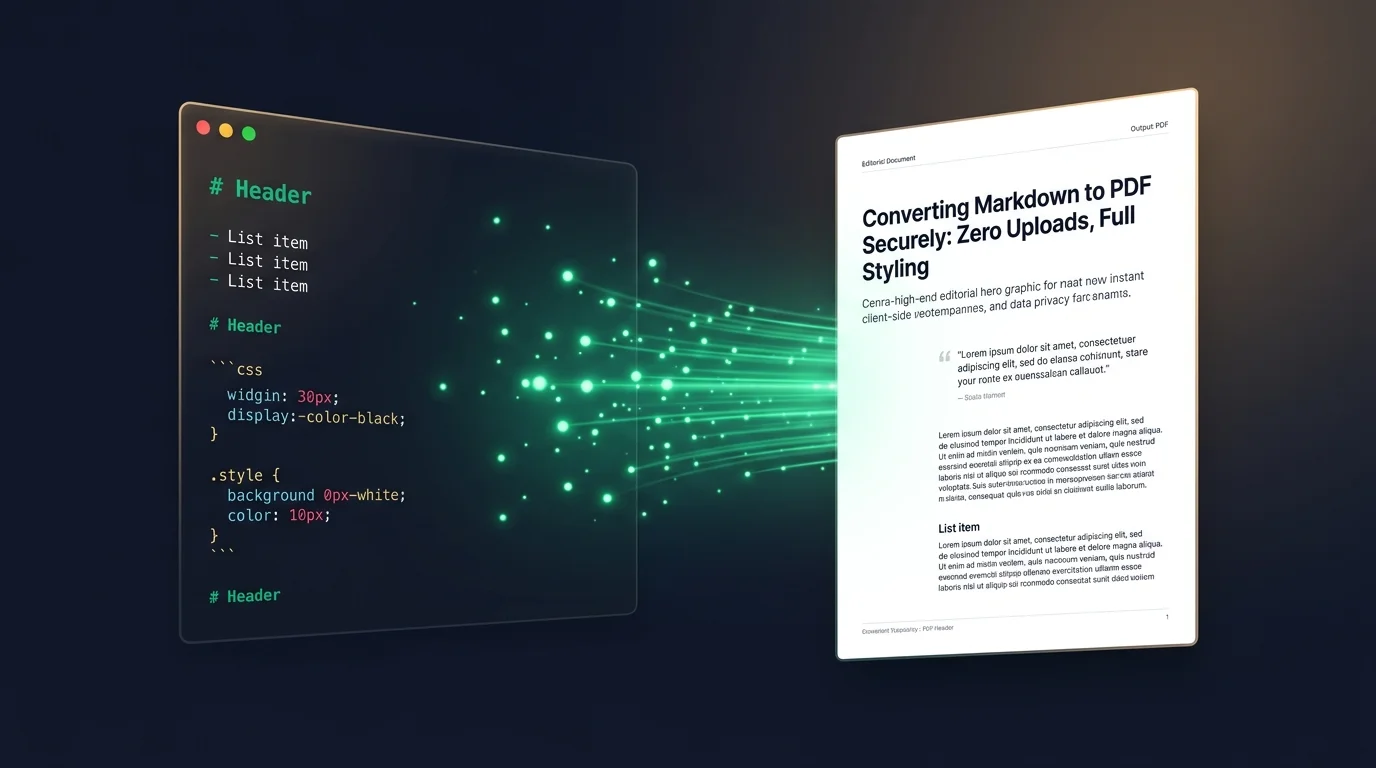
Markdown has become the de facto standard for writing documentation, notes, and even books. Its simplicity and readability are unmatched. But when it comes to sharing your work with others who might not be familiar with Markdown, a PDF is often the best format.
In this guide, we'll show you how to convert your Markdown to PDF using 0mod's secure, offline tool.
The Advantage of Markdown
Markdown allows you to focus on content without getting distracted by complex formatting menus. It's version-control friendly and works everywhere. However, for "final" versions of documents, PDF offers:
- Consistent rendering across all devices.
- A professional, "official" look.
- Easy distribution and printing.
Why 0mod is the Best Choice for MD to PDF
Most MD to PDF converters are either complex command-line tools like Pandoc or cloud-based services that harvest your data. 0mod offers the best of both worlds: the ease of a web interface with the security of a local tool.
Features of our MD to PDF Converter:
- Instant Preview: See your results immediately.
- Zero Configuration: No need to install complex libraries or dependencies.
- Privacy Guaranteed: Your thoughts and ideas stay on your machine.
How to Convert Your First Document
- Navigate to the Markdown to PDF tool.
- Paste your Markdown text or upload your
.mdfile. - Click "Convert".
- Download your professional PDF instantly.
Conclusion
Sharing your work shouldn't mean sharing your data. By using 0mod, you can maintain your productivity with Markdown while ensuring that your final documents are delivered securely and professionally.
Image Prompt for this post: A split screen illustration. On the left, a clean, mono-spaced Markdown text editor with headers and bullet points. On the right, a beautifully formatted PDF document with the same content. An emerald-colored arrow connects the two, passing through a shield icon. Modern, minimalist tech aesthetic.